


Fieldwork StudioProposal
Brand identity for North House
Scope
Approach
Pricing
£19,800
Send your client a link. Choose who can open it, and update the work without sending another.
Publish straight from your favourite agentGive clients something to review, help a team make a decision, or bring people together. Project updates, workshop plans and how-to guides belong here too.
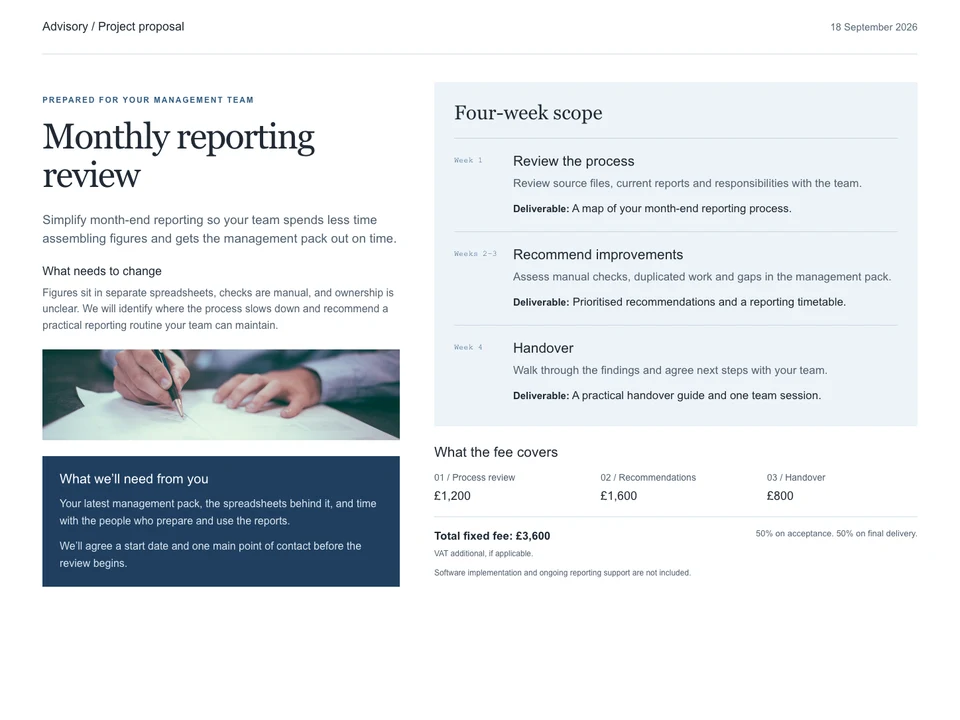
Straight from your agent
Ask your agent to publish your proposal, give your client access, and publish the next revision. Connect your agent
Fieldwork StudioProposal
Scope
Approach
Pricing
£19,800Nothing published yet
Ask your agent to publish your work.Your client opens the proposal. Questions, responses, and revisions stay with the work.
North House proposal
north-house.sharekite.page
Clients verify their email. No account needed.
Maya Chen
maya@example.com
Jon Bell
jon@example.com
Amira Patel
amira@example.com
Sam Rivera
sam@example.com
You create the work with your assistant. Sharekite puts the finished page and its supporting files online, ready to share with your client.
Client proposals, reports, audits, website designs, and event pages. Ask your assistant to turn your work into a web page, including any charts or pictures. Sharekite publishes that page; it doesn’t run business software such as an accounting system.
We’re preparing connection steps for Claude, ChatGPT, Cursor, VS Code, Claude Code, and Codex. Setup is still being checked, so the steps aren’t ready to follow yet.
Browser publishing is being prepared. The upload panel shows how you’ll choose a saved web page and sign in to publish it, but that handoff isn’t ready yet.
Your client doesn’t need to sign up for Sharekite. With “Anyone with the link”, they can open the page without signing in. With “Restricted”, they confirm an approved email address first.
Yes. Choose “Restricted” for people you approve, or “Anyone with the link” for access without signing in. Publishing doesn’t change that choice. Forwarding a restricted link doesn’t grant access, and you can remove someone’s access later.
The link stays the same, and the same people can open it. They’ll see your revised work when they next open the page. Updating it doesn’t send another invitation.
We’re still confirming how long published work and archived files are kept. We’ll publish those terms before launch.
Feedback and forms are planned, but aren’t available yet.
Not yet. For now, your work has a Sharekite link. Connecting a website address you own is planned.
With “Restricted”, clients must confirm an approved email address before opening your work. With “Anyone with the link”, no email check is required. Review our privacy policy and security information before sharing sensitive client work.
Start free with 3 active projects. Hobby is $7 a month for 20 projects, and Pro is $20 a month for 100. Every plan includes unlimited contacts and recipients. See pricing for yearly billing and plan details.